
Archive for January, 2008

Shredz64 – Bitmap Loader

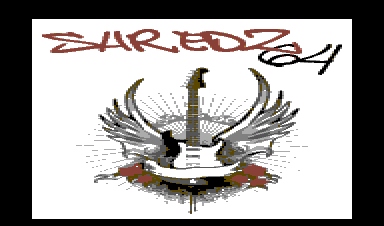
This entry covers the last couple of days, I’ve been working pretty late each night on Shredz64 and was too lazy to make an entry. A few things – I cleaned up a bunch of code, moved things where they logically should go in the source. I also wanted to take a break from more tedious stuff, so I wrote a bitmap loader in case I need it anywhere (title/menu screens, etc), and here are some quick mockups I made for title screens. None are finished products (plus I’m using artwork for the rock-on one and I’m not sure who the artist is), but it demonstrates that the bitmap loader works and I can create pretty detailed bitmaps (relatively speaking). Here are two screenshots:

I also wrote the code to read score files off the disk for each song and display scores when a user is picking a song. It also caches all song info now (filenames, titles, artists, and scores) so it doesn’t have to read it off disk every time you go to the song selection screen. I still need to write the code to save scores, I just manually created the score files with a hex editor for now. Anyway, lots of good progress.

Shredz64 – Reading SID Info

Added in functionality to read in artist and track name from the SID file and display it on the song selection screen. Also added in functionality to read length of song and display that as well. Next will be saving and displaying scores for each song. The program started randomly crashing tonight for the first time, so I think I may be running out of memory (which isn’t surprising, I’ve been a bit liberal with allocating space for song information). I’ll have to pare it down and see how it goes.

Shredz64 – Scanning Disk for SIDs

Tonight I found a cc65 implementation (e.g. uses cbm.h) of the POSIX routines for reading in the directory structure on a C64 disk (need to investigate who wrote it originally to give credit, its just a quick segment of code). Hacked it a bit to fit what I was doing – now from the main menu, you can choose to play or edit a song. Once choosing either, it will present you with a song selection screen – it automatically scans the disk for any files ending in “.sid” and displays them as selections. If you edit them, it will save an according “.not” file with the same filename base. If you play it it will load the correct “.not” file. Now if people want to add their own sids, all they have to do is drop it onto the disk with a .sid ending! (And make sure the SID is one that executes in the first 10K of memory, which most do). This makes the program a lot easier to test (and more fun!).

Next Page »